

Reef Crown App
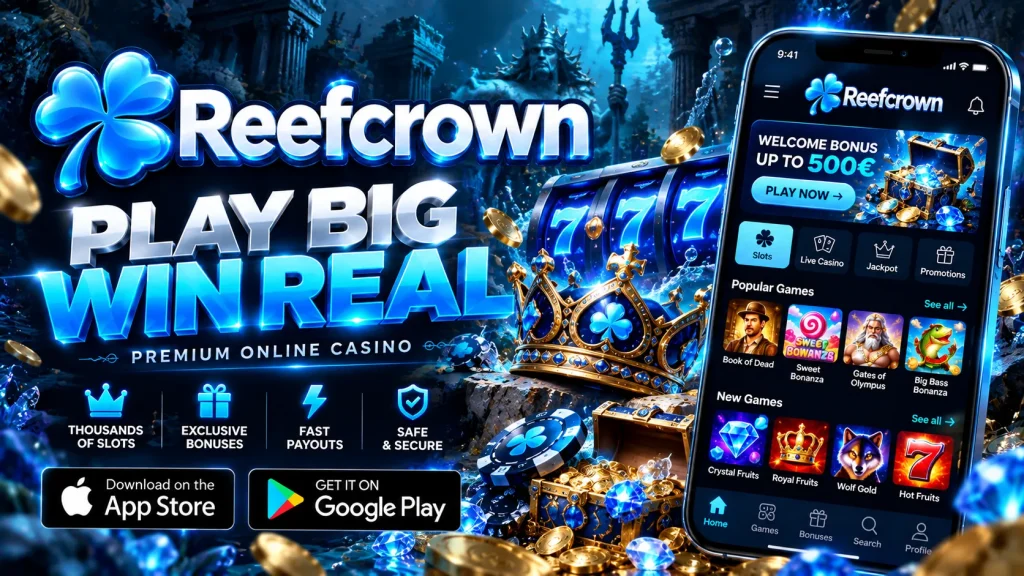
If you like spinning pokies on the train or joining a live blackjack table from the couch, the Reef Crown app puts our whole casino in your pocket. This page covers how to install it on Android and iPhone, what your phone needs, how payments and bonuses work in AUD, and what to do if something goes wrong. Our main site at Reef Crown still works in any browser, but the mobile build is made for speed.
Installing the App on Android and iPhone
Setup takes about two minutes on either platform. The route differs slightly depending on your phone, and this is what we recommend before you start:
| Requirement | Android | iPhone / iPad |
|---|---|---|
| Operating system | Android 8.0 or newer | iOS 14 or newer |
| Free storage | About 150 MB | Under 50 MB |
| Browser | Chrome or Samsung Internet | Safari |
| Connection | Wi-Fi or stable 4G/5G (around 3 Mbps or better) | |
Android APK from our website
Google Play restricts real-money gambling apps in many regions, so we offer the Reef Crown app download for Android as an APK straight from our site. Open our website in Chrome, tap the download button and confirm the file. When Android asks, allow installs from your browser under “Install unknown apps”. It is a one-time permission, and you can switch it off afterwards. Open the file, tap Install, then launch the ReefCrown app from your home screen. Only download from our official domain, never from links in messages or on third-party sites, because modified files can put your account at risk.
iOS: add the web app to your home screen
On iPhone and iPad we use a web app, so there is nothing to hunt for in the App Store. Open our site in Safari, tap the Share icon, choose Add to Home Screen and name the shortcut. The icon sits beside your other apps and opens full-screen without an address bar. Because it runs on the same HTML5 platform, you always get the latest version automatically, with no updates to approve. ReefCrown mobile works the same way on iPad, and it suits anyone who would rather skip file installs altogether.
Built for Speed on HTML5
Our app runs on HTML5, and for you that has practical benefits. One build works across phones and tablets, so a pokie looks and behaves the same on a three-year-old Samsung as on a new iPhone. Games load instantly from the lobby, with no plugins and no separate download for each title, so your storage stays free. HTML5 gives near-native performance, with smooth animations, quick spins and crisp live dealer video, while using less battery and mobile data than older technology. On a decent 4G connection the lobby should open within a few seconds. Rounds are settled on our servers, so a dropped signal mid-spin does not cancel your bet. That stability is the main advantage of Reef Crown mobile over squeezing the desktop page onto a small screen.
Registration, Verification and Quick Login
Creating an account in the Reef Crown app takes four short steps: your email and password, your name and date of birth, your address and currency (AUD), and confirmation that you are 18 or over. The forms are sized for thumbs, and the right keyboard appears for each field. We suggest completing verification straight away by uploading a photo of your ID and a recent proof of address. It avoids delays when you make your first withdrawal. After that, turn on Face ID or fingerprint login in settings, and you will not need to type a password on a small screen again. If you forget it, use the reset link we email you. Only use “stay logged in” on a device that is yours alone.
Deposits and Withdrawals in AUD
Everything in the cashier is shown in A$, so there are no conversion surprises. Depending on your device and region, you will typically see:
- Visa and Mastercard
- Apple Pay and Google Pay on supported phones
- PayID and bank transfer
- Neosurf vouchers
- Bitcoin, Ethereum and USDT
Minimums, maximums and fees are listed in the cashier before you confirm anything. Deposits are normally instant, and saved methods let you top up in a single tap. Withdrawals are reviewed by our team first, then sent. Crypto and e-wallet payouts are usually quicker, while cards and bank transfers can take a few business days. Every request shows its status in your account, and we pay out to the method you deposited with wherever possible. Verifying early keeps ReefCrown cashouts moving.
Games and Bonuses on Mobile
The mobile lobby is not a cut-down version of desktop. You will find thousands of pokies, including jackpot and Megaways-style titles, plus blackjack, roulette, baccarat and live dealer tables streamed in HD. Search by name or provider, or filter by feature, to reach a game in seconds. Our studios include names such as Pragmatic Play and Evolution, though the catalogue changes over time. The Reef Crown casino app also lets you claim welcome offers, free spins and reload promotions, and push notifications can flag new ones (you can turn them off at any time). Each promotion shows its wagering requirement, maximum bet, eligible games and expiry before you opt in, so please read them first. Bonuses add playing time, but they never guarantee a profit.
Security, Responsible Play and Support
Your personal and payment data is protected by SSL/TLS encryption, and our games use independently tested random number generators. Our licensing details are published in the site footer. Please check that online gambling is permitted where you live before you play. In your account settings you can set deposit limits, session reminders and time-outs, or self-exclude if you need a longer break. If gambling stops feeling like fun, Gambling Help Online offers free, confidential support 24/7 on 1800 858 858. Our own support team is available around the clock through live chat in the app and by email, and we can help with verification, payments and account questions without a long wait.
Fixing Common Problems
- Android will not install: allow “Install unknown apps” for your browser, free up around 200 MB and download the file again if it was interrupted.
- App crashes or will not open: update your operating system, clear the cache, then reinstall the ReefCrown app.
- Login problems: check caps lock, reset your password, confirm your email and switch off any VPN.
- Slow loading: swap between Wi-Fi and mobile data, close background apps and update your browser.
- No iOS icon: repeat the steps in Safari, as other browsers cannot add it.
Still stuck? Open live chat and we will walk you through it.